
In the ORDERING module, click the DEALER MANAGEMENT button.
Click the START SEARCH button to display the dealers already on file.
To edit an existing dealer, double-click it or select it and click the EDIT RECORD button.

To add a new dealer, click the ADD RECORD button.

In both cases the DEALER window opens.
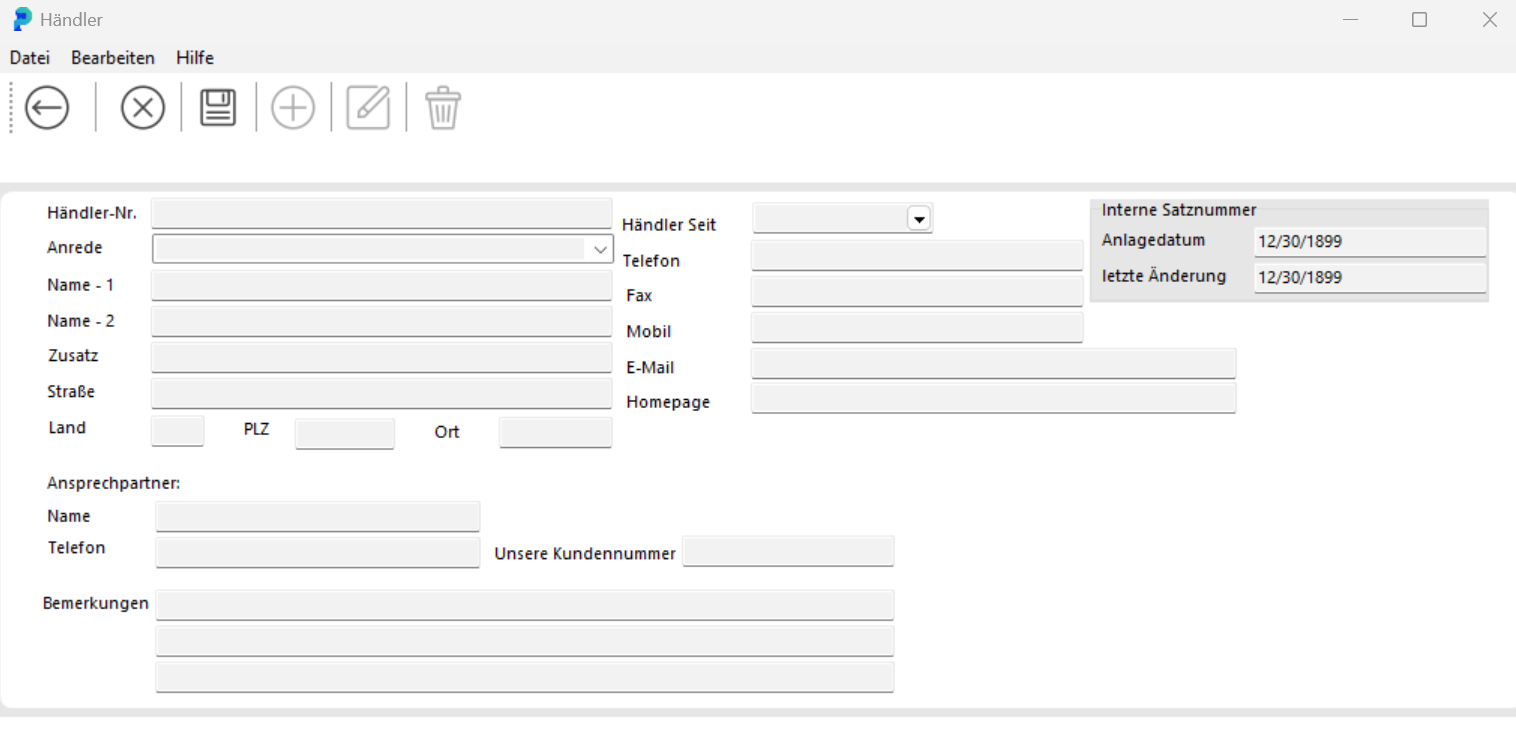
To create a new dealer, enter the dealer data in the corresponding fields.
To edit an existing dealer, click the EDIT DEALER button. You can then change the data.
In both cases, leave the DEALER window with the SAVE and BACK buttons.