
External companies often work in your building with several people.
If you have their list as a file, import it. The personnel import sits in the portier Vision Companion, in the import area (Importieren). You save the field mapping there as a preset and reuse it next time for the same external company.
If there is no file, you enter the people by hand. That is what the copy function is for.
How do you proceed?
You create the first person from the external company with all their data.

Then you copy this record using the COPY symbol and change only Name -1- (surname) and Name -2- (first name), plus the mobile number and the email address if needed.
All other data is already filled in.
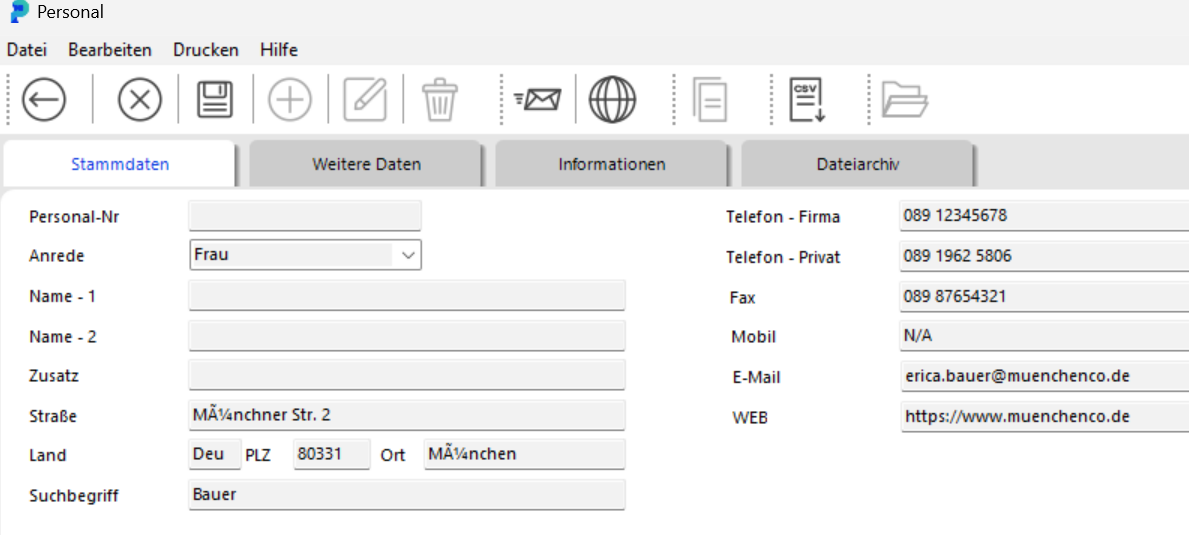
Note: Only the master data is copied, so the address, contact details and organisational fields such as department, area and cost centre. Keys, access and authorisations are not copied. You assign these separately for the new person.