
Recording a Key Loss
Click the KEY LOSS (SCHLÜSSELVERLUST) button in the toolbar or press F7.
The KEY MOVEMENTS - LOSS window opens.
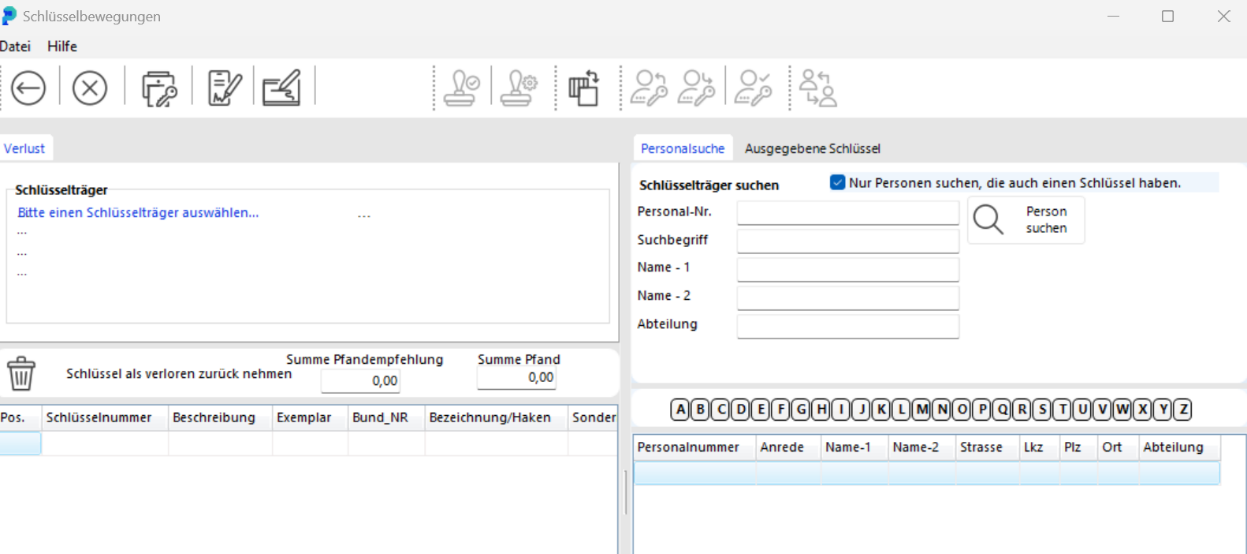
Enter the first letters of the key holder's last name in the NAME - 1 field. Click SEARCH PERSON (PERSON SUCHEN) to get the hit list.
You can also find the key you are taking back by its key number. Click the ISSUED KEYS tab and enter the key number. Click SEARCH KEY (SCHLÜSSEL SUCHEN) to list every key holder who has a copy of that key.
In the lower section of the window, double-click the key holder whose key was lost. The key holder's details are filled in automatically.

Double-click the lost key. The key moves to the KEYS BEING RETURNED AS LOST list.
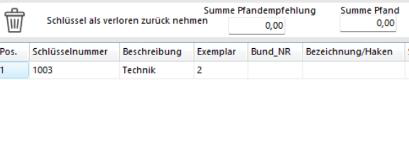
If the key holder has several keys and you selected the wrong one as lost, click the POSITION AUS DER LISTE LÖSCHEN button to take that key back off the loss list.

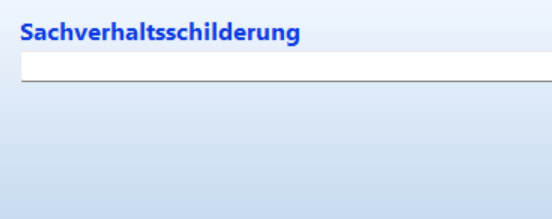
In the DESCRIPTION field you can record the key holder's account of the loss.
This entry is printed on the form only. It is not stored in the database, so print the form before you book.
Post the loss report by clicking the BOOK button.

Recording a Damaged Key
Click the DAMAGE REPORT (DEFEKTMELDUNG) button in the toolbar or press F8.
The KEY MOVEMENTS window opens.
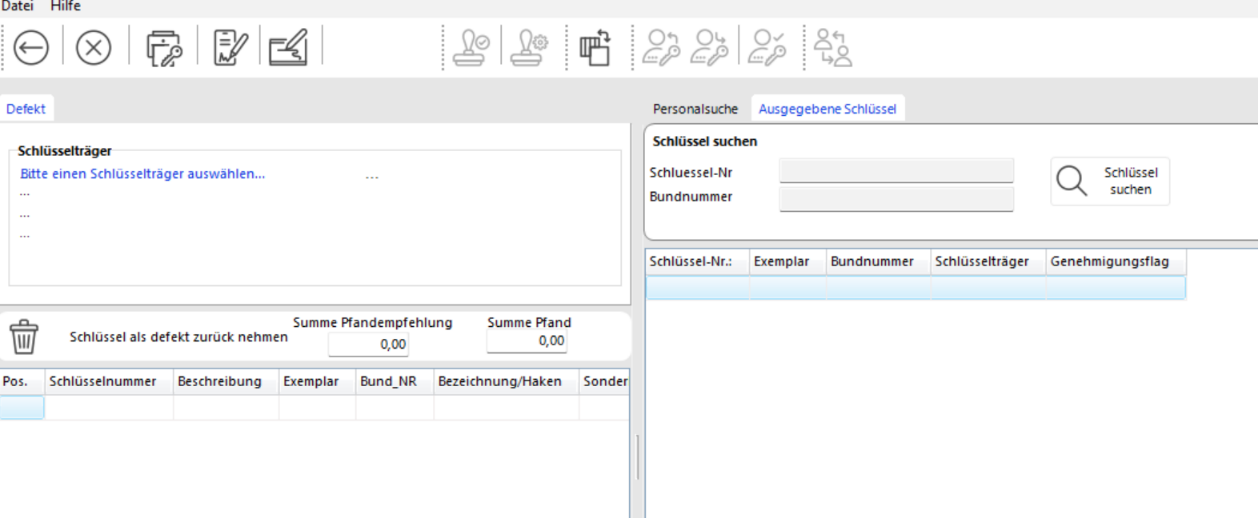
Follow the same steps as for a key loss.
The key is booked with the status DAMAGED.